Everything your sales team needs, with AI that does the data entry
All features
Coming soonFeatures marked Coming soon are on our roadmap.
AI that does the work
Your CRM stays up to date without the typing.
- Client emails become deal updates you approve
- Set up your pipeline by describing how you sell
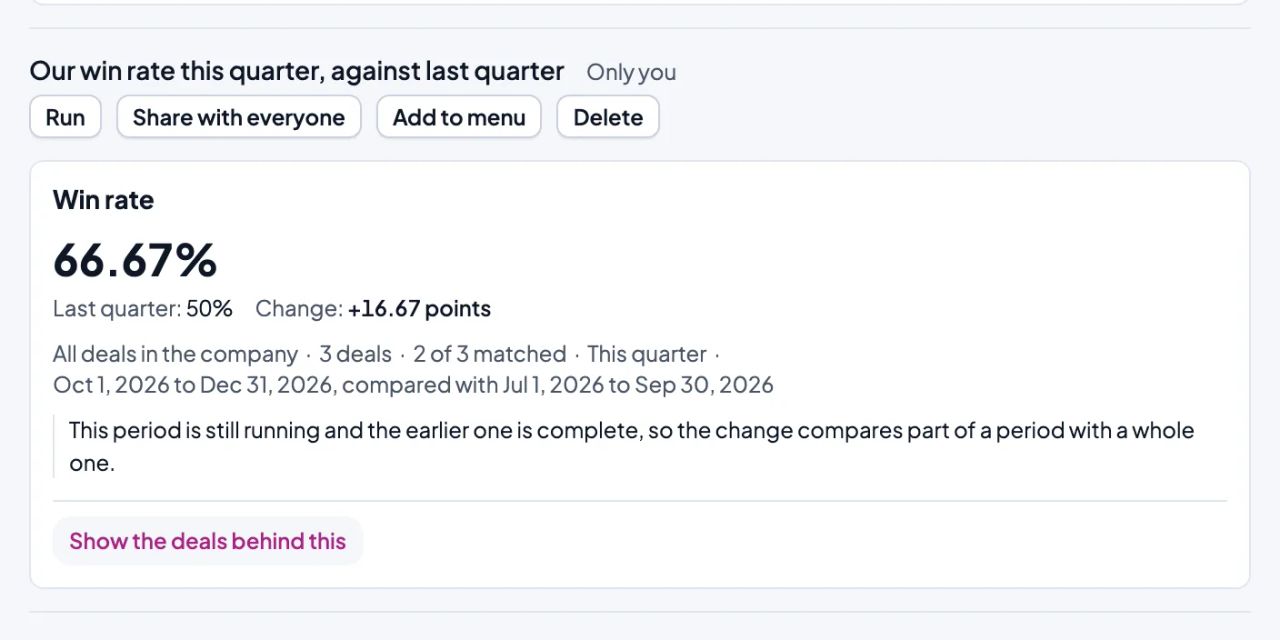
- Ask for a report in plain words
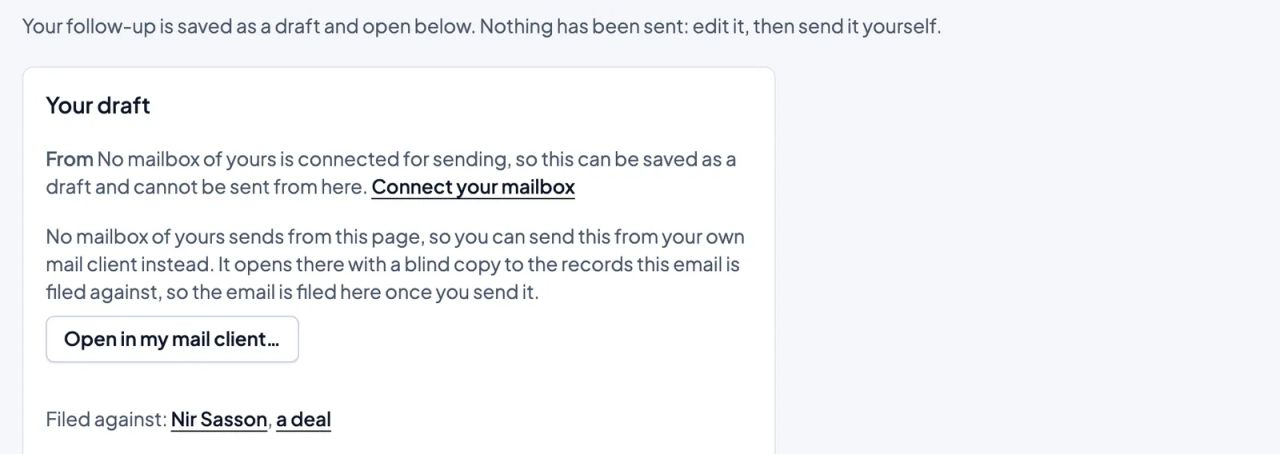
- A next move for every deal, with a follow-up draft
- Email thread summaries and reply drafts
- Advice on where your sales process stalls
- Every change logged, and undone in one click
Pipeline and deals
Every deal, and what it needs next.
- Drag deals across stages, or work from a list
- Several pipelines, each with your own stages
- A leads inbox, and a lead turned into a deal in one click
- Deals going quiet, flagged before they go cold
- Won and lost, with the lost reasons you choose
- Edit, move or reassign many deals at once
- Duplicate deals merged into one
Contacts and organizations
Everyone you sell to, and everything you know about them.
- People and organizations, linked to their deals
- Duplicates found and merged
- Custom fields for what your team tracks
- Your own record types, such as projects or sites
- Saved filters, shared with your team
- Search across every record
- The full history of every record
Email and calendar
Your mail and your deals, in one place.
- Connect Gmail or any IMAP mailbox
- A forwarding address that files email on the deal
- Client mail read inside the CRM
- Email templates and saved drafts
- Your own email signature
- Email sent from the CRMComing soon
- Outlook and Microsoft 365Coming soon
- Google Calendar meetings matched to your dealsComing soon
Follow-ups and activities
Know what to do today, and get it done.
- A To Do list of the deals that need you
- Calls, meetings and tasks, planned and ticked off
- Calls logged with how they went
- Many activities moved or completed at once
- Your own activity types
- Email sequencesComing soon
Reports and forecasts
Know where the quarter will land.
- Reports built by picking fields
- Dashboards you can share
- A forecast with what-if scenarios
- What moved in the forecast since your last snapshot
- Sales goals and progress toward them
- Any report exported to a spreadsheet
- Reports emailed on a scheduleComing soon
Automations
Repeat work runs on its own, once you turn it on.
- Rules: when something happens, the next step follows
- A rule tested on your last 30 days before it runs
- Every run recorded, and retried when one fails
- New leads assigned to the right rep
- A weekly summary of what your automations did
Products and quotes
From price list to accepted quote.
- A product catalogue with prices
- Products and amounts on each deal
- Quotes from a deal, with versions
- A PDF of every quote
- A link your buyer opens to accept or decline
- Invoices through Morning, QuickBooks or XeroComing soon
- E-signatures through PandaDoc or DocuSignComing soon
Team, roles and permissions
Everyone sees what they should, and no more.
- Your team invited in minutes
- Roles with the permissions you choose
- Teams, and who sees which deals
- A deal or contact shared with another team
- What the AI may do, set per role
- Single sign-on through your identity provider
Import and export
Bring your data in, and take it with you.
- People, organizations, deals and leads from a spreadsheet
- Your Pipedrive or HubSpot export
- Columns matched to fields for you
- An import undone in one step
- Leads straight from your website and lead sources
- All your data downloaded as spreadsheet files
Integrations
Your other tools, connected to your deals.
- Zapier, Make and n8nComing soon
- Slack and WhatsAppComing soon
- Zoom, Google Meet and Microsoft Teams links on meetingsComing soon
- Aircall calls logged to the contactComing soon
- Mailchimp audiences kept in step with your contactsComing soon
Anywhere, in your language
Work from your desk or your phone.
- Works in your phone's browser
- Full Hebrew, right to left
- Amounts in your currency
- Dates and times in your time zone
- iPhone and Android appsComing soon
Security and privacy
Your data stays yours.
- Encrypted in transit and at rest
- Never used to train or fine-tune an AI model
- Yours to export at any time
- A person's data exported or erased on request
- A security log, and sign-out from every device
For AI agents
Your own AI assistant, working in your CRM.
- Your AI assistant connected through MCP
- What agents may do, chosen by you, and revoked any time
- API keys and webhooks
See it at work
Deals fill themselves in from client email
BCC your personal address when you write to a client, or forward the email to it. Or connect Gmail, read-only. We never use it to train AI models, and never sell it or use it for advertising.
Read more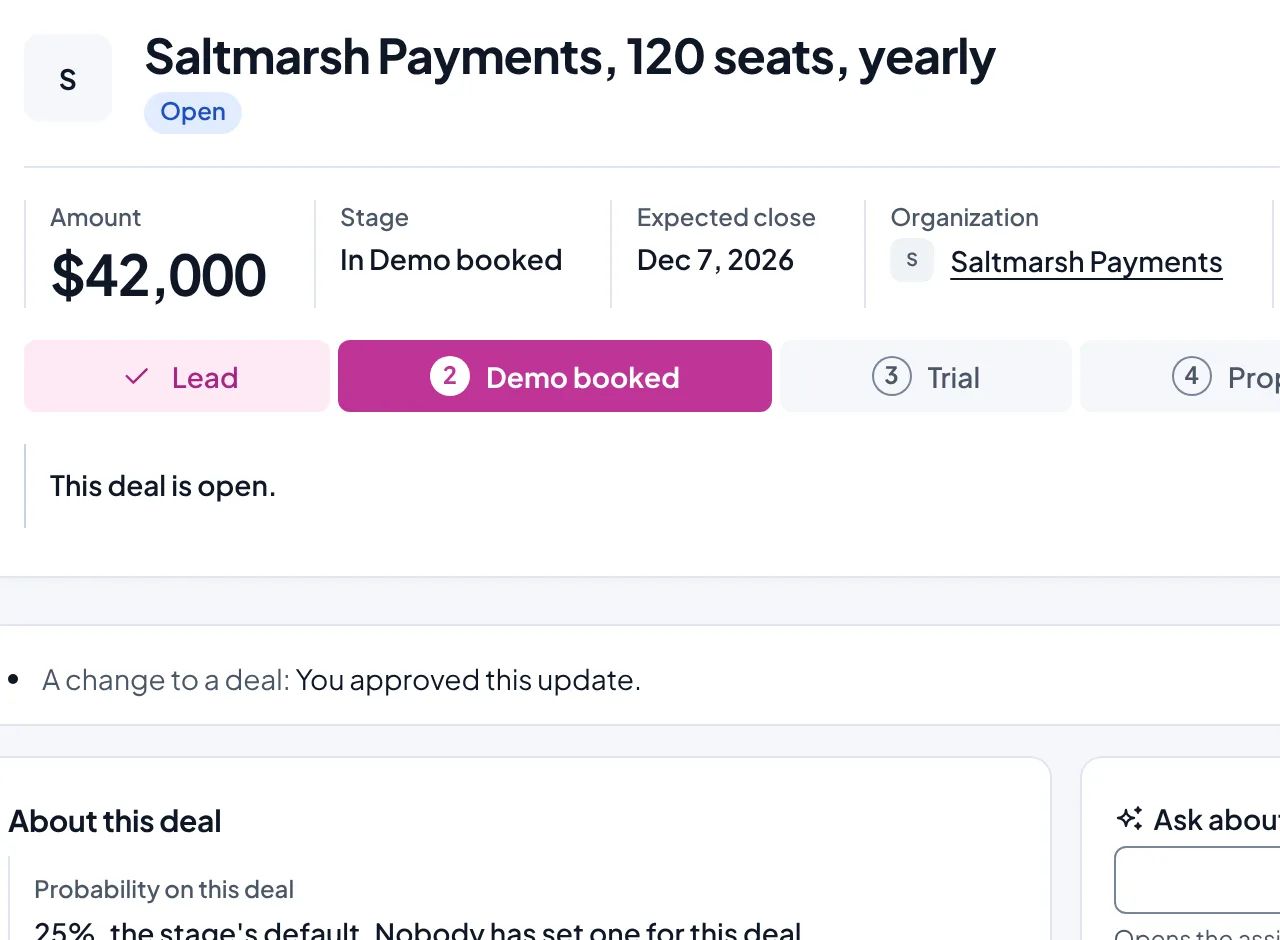
Set up your pipeline by describing how you sell
"We usually start with an email to see if they're even open to a chat, and if they write back we get them on a quick phone call. If they're interested we book a proper demo with whoever makes the decision, then send over a proposal and follow up until they decide, and once they sign we kick things off with an onboarding call."
Read more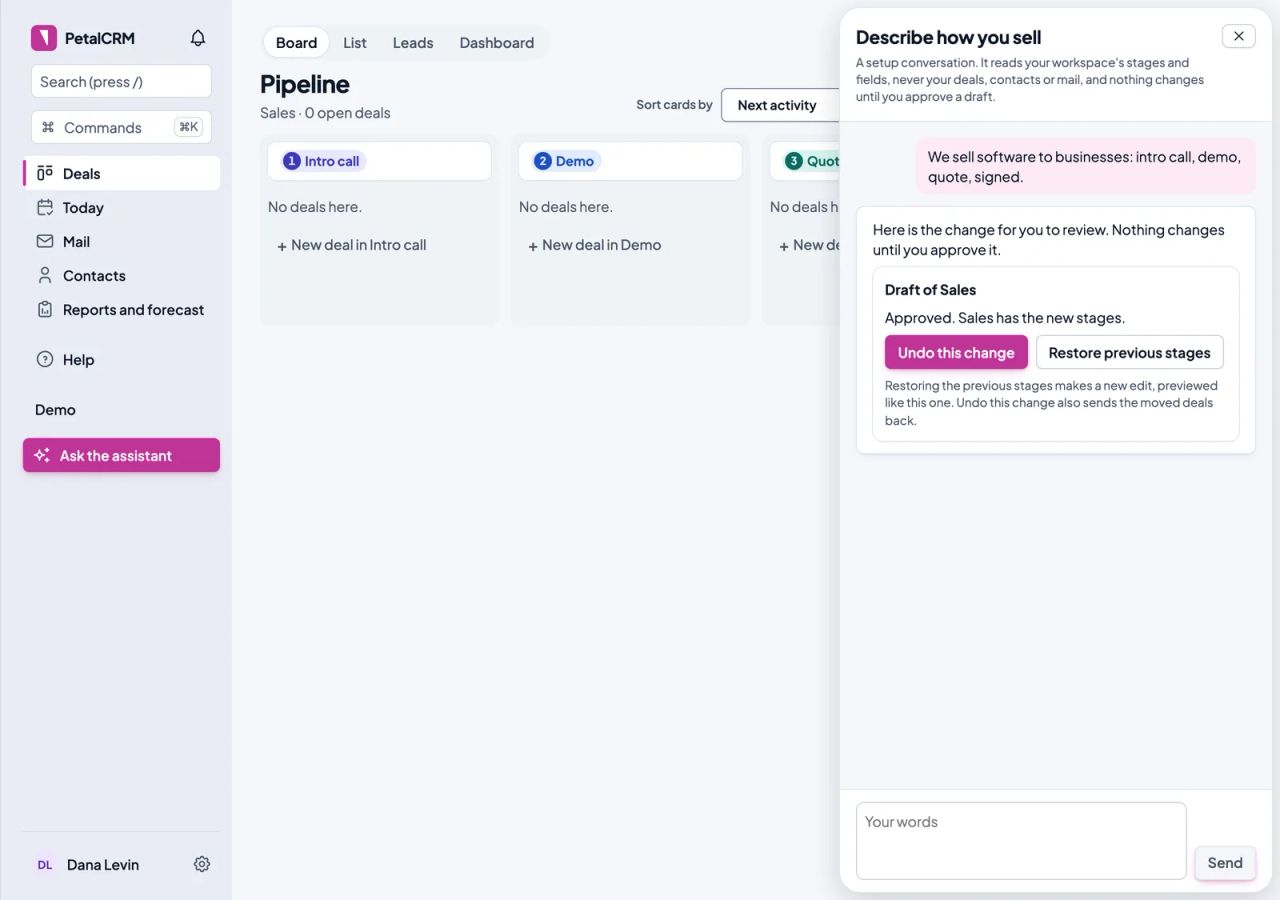
The next move, every morning
To Do lists the deals that need you, each with its reason and a suggested next move.
Read more